The list in IlenaThe list in Ilena
Inside Ilena, Help → Keyboard Shortcuts shows the same list, without the three text styles, and Esc closes it. Keys on Windows and Linux are not described here.
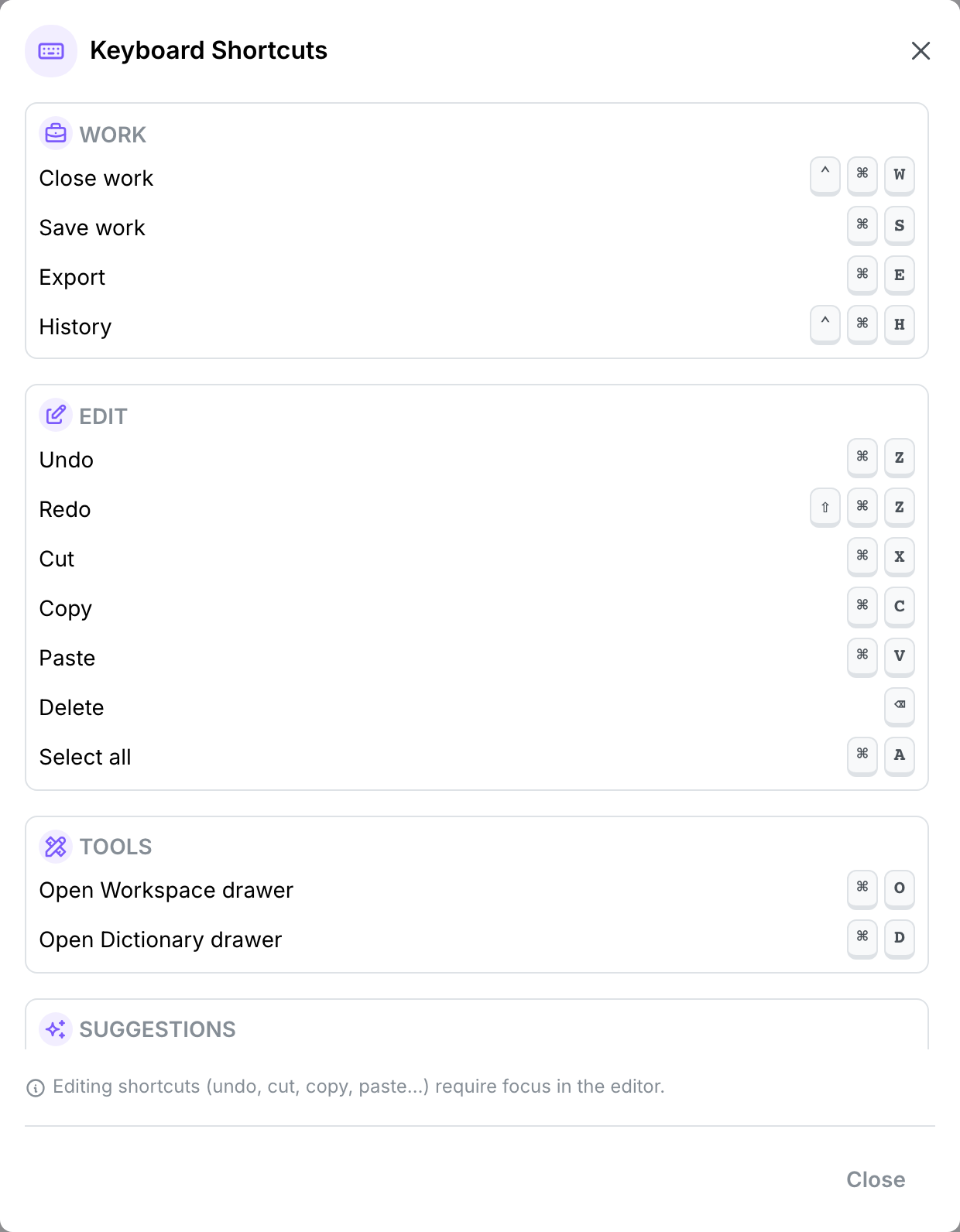
WorkWork
| Keys | Action |
|---|---|
| ⌃ + ⌘ + W | Close work. If the work has unsaved changes, Unsaved changes asks what to do with them. |
| ⌘ + S | Save work |
| ⌘ + E | Export as PDF: the file downloads under the name of the work. |
| ⌃ + ⌘ + H | History: opens the version history of the work. |
These act on the open work.
EditEdit
| Keys | Action |
|---|---|
| ⌘ + Z | Undo |
| ⇧ + ⌘ + Z | Redo |
| ⌘ + X | Cut |
| ⌘ + C | Copy |
| ⌘ + V | Paste |
| ⌫ | Delete the selected text |
| ⌘ + A | Select all the text of the work |
Editing shortcuts (undo, cut, copy, paste…) require focus in the editor.
Text stylesText styles
| Keys | Action |
|---|---|
| ⌘ + B | Bold |
| ⌘ + I | Italic |
| ⌘ + U | Underline |
These three apply to the selected text. They are not in the in-app list.
ToolsTools
| Keys | Action |
|---|---|
| ⌘ + O | Open the Workspace drawer |
| ⌘ + D | Open the Dictionary drawer |
Pressed again, each shortcut closes its drawer. Opening one drawer closes the other.
SuggestionsSuggestions
| Keys | Action |
|---|---|
| Ctrl + Space | Show suggestions (manual inspiration). This is the Control key, on a Mac too. |
| Tab | Accept a suggestion: the grey continuation, or the highlighted ending in the list |
| Esc | Dismiss the suggestions |
EscapeEscape
Esc closes the dialog in front of you, the right-click menu, the suggestion list and the version history. It leaves the Workspace, Dictionary and Ideas basket drawers open.