Before you startBefore you start
Ilena reads .txt, .md, .rtf, .docx and .pdf files. What each file and folder becomes, and what Ilena says about a file it cannot import as it is, are in Import formats and results.
During the 30-day free trial of the annual cycle, Import files… and Import a folder… are greyed out.
Import filesImport files
- Open the workspace with ⌘ + O.
- Right-click the project that should receive the songs and select Import files…. Your author node offers the same entry; a work's menu does not.
- In your computer's window, choose one or more files and confirm.
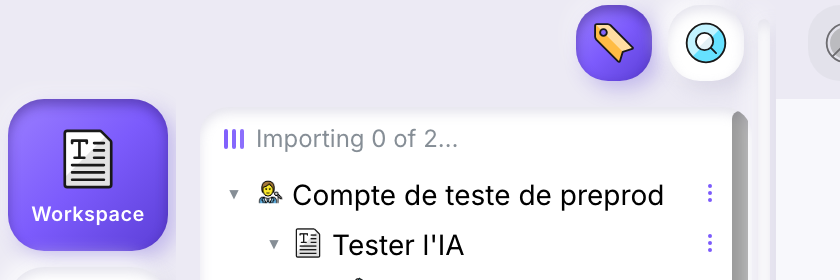
While the import runs, Ilena shows where it is up to, from Preparing… to Importing 1 of 2…. Each file becomes a work inside the project, named after the file: Midnight Train.txt becomes Midnight Train.
A message confirms the import and ends with the share of your imports you have left, as a percentage: … 97 % of your imports left. If a file could not be imported as it is, the Import report opens and names it.
Import a folderImport a folder
- In the workspace, right-click a project and select Import a folder….
- Choose the folder and confirm.
The folder becomes a project of the same name inside the one you right-clicked, and what it holds is imported inside it.
Example: import a folder of songsExample: import a folder of songs
The folder Album held a file Track One.txt, a file cover.odt, an empty folder Empty, and a folder Demos holding Demo Two.txt. Imported with Import a folder… into a project, it gave this tree:
- Album, a project
- Demos, a project
- Demo Two, a work
- Track One, a work
- Demos, a project
Album.The confirmation counted two files imported. The empty folder and cover.odt, a format Ilena does not read, left nothing in the tree, and no message mentioned them.