Settings
This page covers what you can actually change about how Ilena behaves — the real Settings dialog, nothing more.
Opening Settings
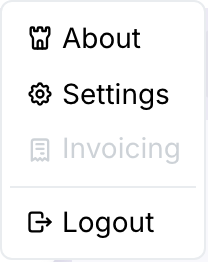
Click the gear icon on the right side of the toolbar, or choose Ilena → Settings from the top menu.
General
Everything you can configure today lives on the General tab:
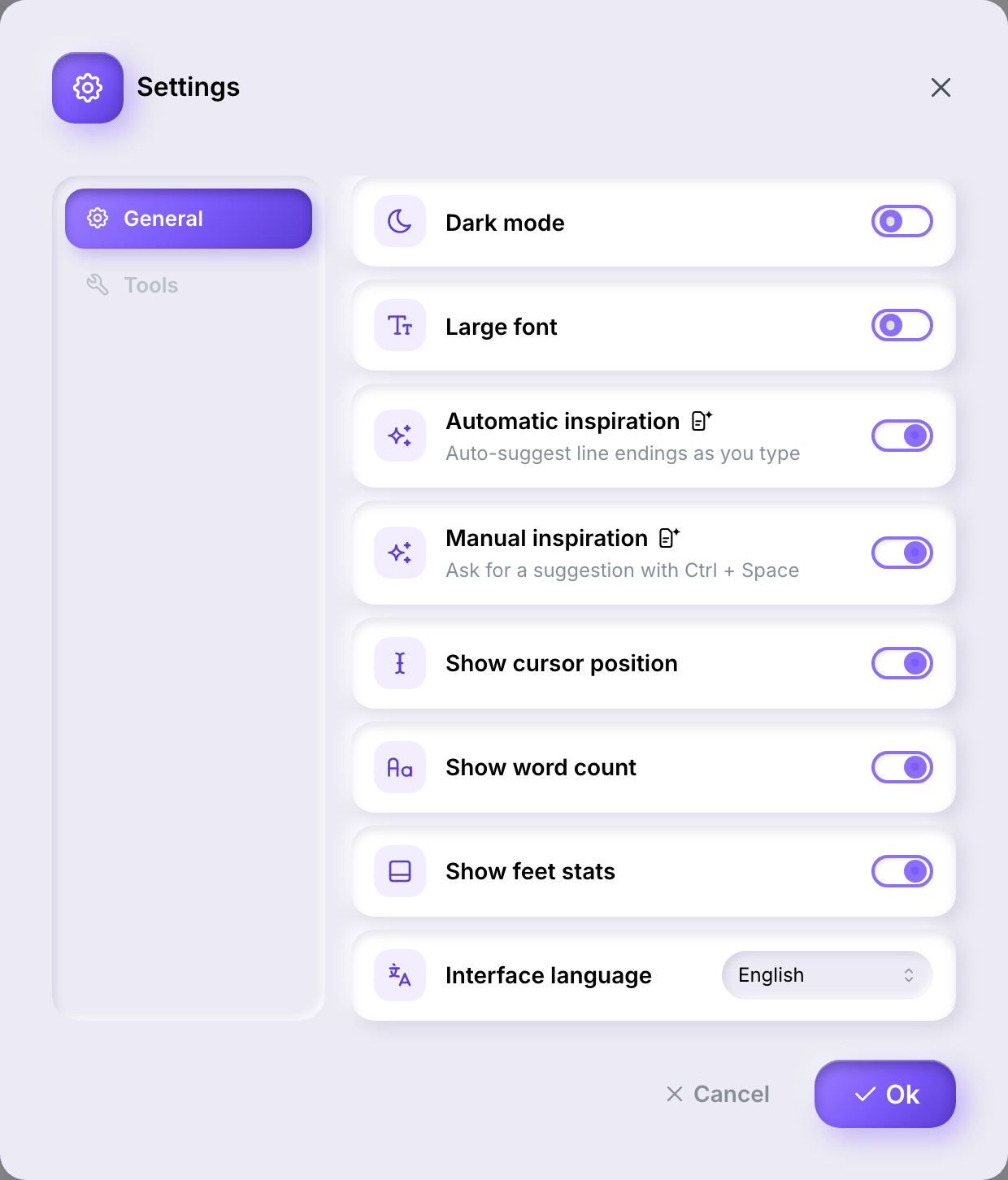
- Dark mode — switches the editor's appearance.
- Large font — increases the editor's text size.
- Automatic inspiration — suggests line endings as you type. See Inspiration.
- Manual inspiration — ask for a suggestion with Ctrl+Space. See Inspiration.
- Show cursor position, Show word count, Show feet stats — each toggles one piece of the status bar at the bottom of the editor.
- Interface language — the language of the app itself (English, French, or Spanish). This is separate from a work's own writing language, set on the work itself.
The small icon next to Automatic inspiration and Manual inspiration is the generated-content badge: it marks that turning either setting on means Ilena writes suggested content for you, rather than just analysing what you've already written.
Changes apply once you click Ok — Cancel discards them.
Tools
The Tools tab is visible but disabled — there's nothing to configure there yet.
Your account — what's coming
Settings only covers how the editor looks and behaves. Managing your account itself — your name and email, your password, your plan, invoices, or deleting your account and exporting your data — isn't available from inside the app yet. That part of the app is coming; for now, reach [email protected] for any of it, with one exception: if you've simply forgotten your password, that's already self-serve — see Signing in, and password recovery.
The Ilena menu's Invoicing item reflects the same thing today — it's present, but permanently disabled: