Legal documents and re-consent
This page covers where to find Ilena's Terms of Use, Privacy Policy, and AI Transparency notice from inside the app, and what to do if a modal interrupts you asking to review one of them again.
Reading the documents in the app
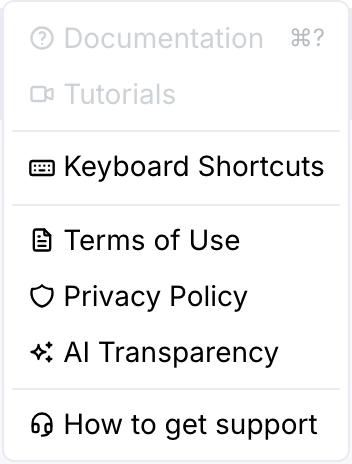
Open Help in the top menu — the last three items are the legal documents:
Clicking any of them opens it in a dialog, showing the document's content and its current version number:
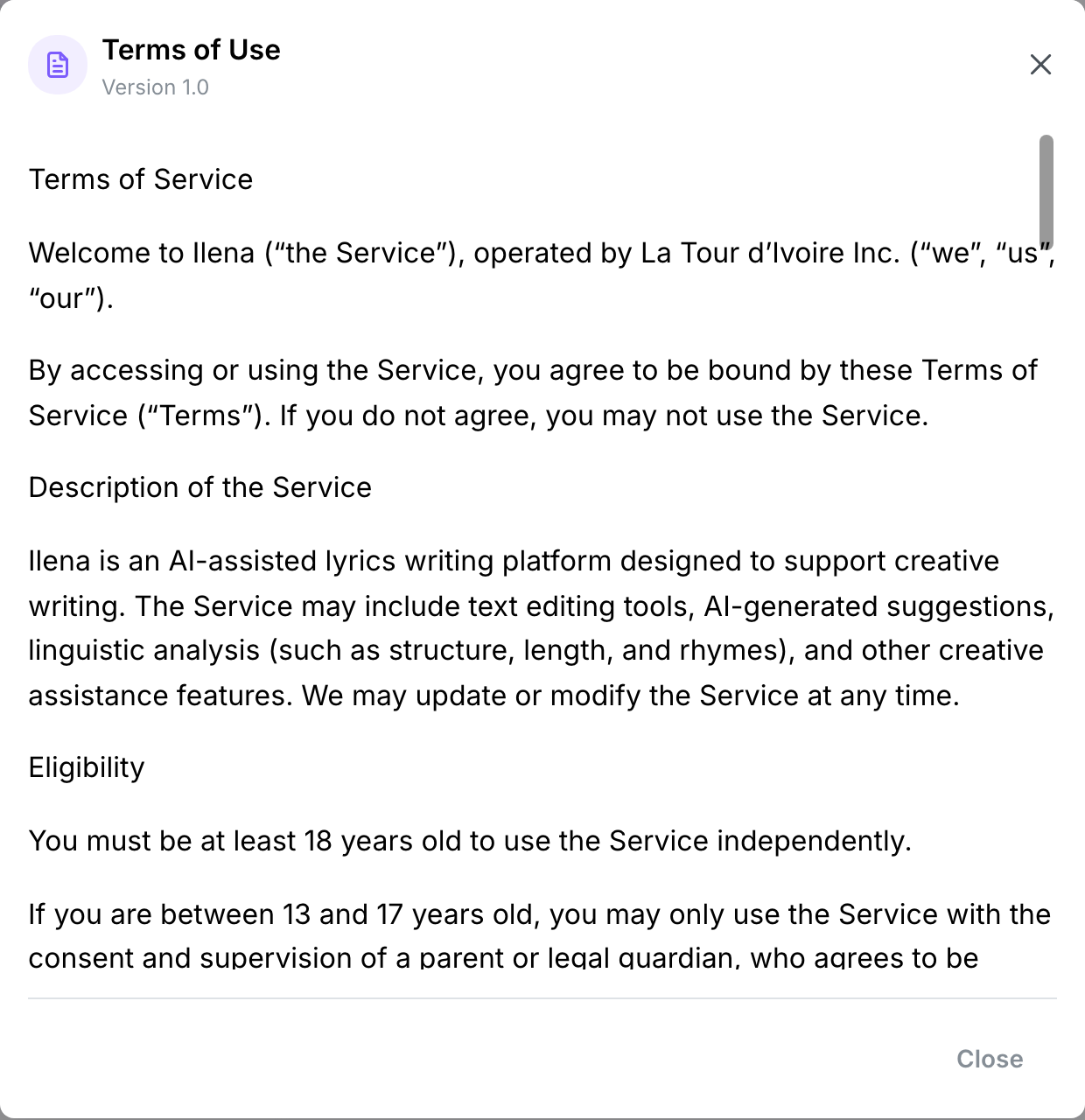
This is the same document, and the same stored revision, that the public pages and the signup flow show — nothing here is a summary. The same documents are also published on the marketing site, if you'd rather read them outside the app: Terms of Use, Privacy Policy, and AI Transparency (each available in English, French, and Spanish).
When a new version is published
When Ilena publishes a new version of the Terms of Use or the Privacy Policy, the next time you're in the editor a modal appears showing what changed, and it blocks the rest of the app until you choose one of two options:
- Accept — records your acceptance of the new version and closes the modal; you continue where you left off.
- Sign out — signs you out without accepting. You'll see the same modal again the next time you sign in, until you accept.
There's no way to dismiss it otherwise — no close button, and clicking outside or pressing Escape does nothing. This is deliberate: Ilena needs to know you've seen the current version before you keep using the app.
AI Transparency isn't part of this gate — only the Terms of Use and Privacy Policy require re-acceptance when they change. You can always read the current AI Transparency notice from the Help menu regardless.