Keyboard Shortcuts
Shortcuts use Cmd on macOS and Ctrl on Windows and Linux wherever you see Cmd/Ctrl. This table matches the in-app reference exactly — open Help → Keyboard Shortcuts to see it inside Ilena at any time. The dialog grows to fit your window rather than a fixed height, so on a typical desktop window Work, Edit and Tools are visible at once, with only Suggestions below the fold; on a short window it caps itself so the Close button always stays reachable, and everything scrolls into view.
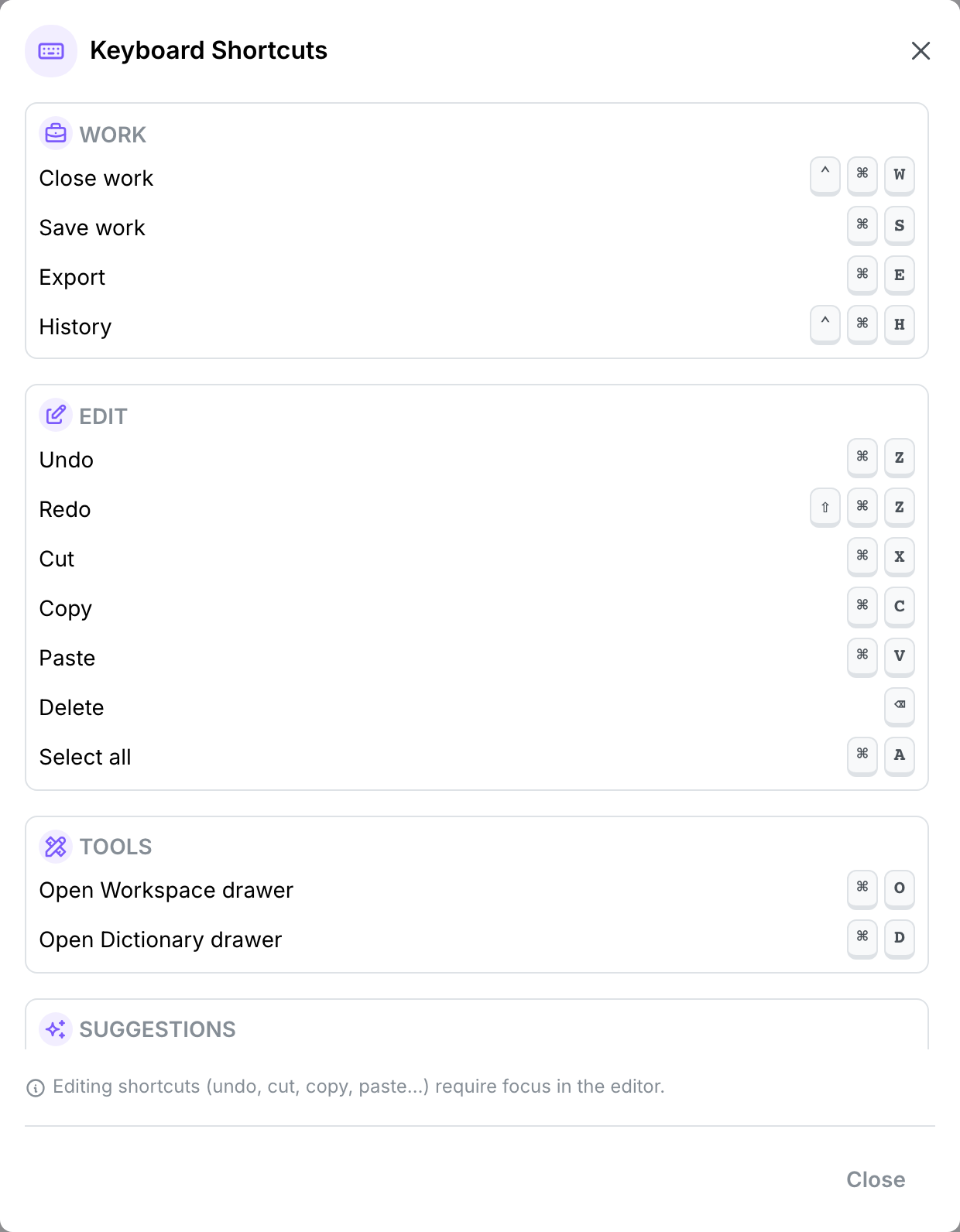
Work
| Shortcut | Action |
|---|---|
| Ctrl+Cmd+W | Close work |
| Cmd/Ctrl+S | Save work |
| Cmd/Ctrl+E | Export |
| Ctrl+Cmd+H | History |
These only do something when a work is open. Close and History use both modifiers together — Ctrl and Cmd at once on macOS — rather than the usual Cmd/Ctrl either-or you see elsewhere on this page. That's deliberate: it keeps the shortcut from colliding with your browser's own close-tab shortcut, plain Cmd/Ctrl+W.
Edit
Editing shortcuts require focus in the editor's canvas.
| Shortcut | Action |
|---|---|
| Cmd/Ctrl+Z | Undo |
| Shift+Cmd/Ctrl+Z | Redo |
| Cmd/Ctrl+X | Cut |
| Cmd/Ctrl+C | Copy |
| Cmd/Ctrl+V | Paste |
| ⌫ | Delete |
| Cmd/Ctrl+A | Select all |
Tools
| Shortcut | Action |
|---|---|
| Cmd/Ctrl+O | Open the Workspace drawer |
| Cmd/Ctrl+D | Open the Dictionary drawer |
Suggestions
| Shortcut | Action |
|---|---|
| Ctrl+Space | Show suggestions (manual inspiration) |
| Tab | Accept a suggestion — the ghost-text continuation, or the highlighted item in the suggestion list |
| Escape | Dismiss the suggestion list, or clear ghost text |
See Inspiration for how automatic and manual suggestions differ.
Closing dialogs
| Shortcut | Action |
|---|---|
| Escape | Close the active dialog, drawer, or context menu. |
Closing a work safely
Pressing Ctrl+Cmd+W runs the exact same confirmation as clicking Work → Close: if the work has unsaved changes, a dialog offers Discard or Save & Close; a clean work closes immediately. Ctrl+Cmd+H opens History the same way the menu item does.
Plain Cmd/Ctrl+W — without the second modifier — still belongs to your browser, and still closes the tab rather than the work; a web page can't take that shortcut over, so this hasn't changed. What has changed is what happens if you do that with unsaved work open: closing the tab, reloading, or navigating away now triggers your browser's own "leave site?" prompt whenever the work is dirty, instead of discarding it silently. That prompt clears itself the moment you save. See Editor → Saving for the in-app confirmation this shortcut shares with the Close menu item.