Signing inSigning in
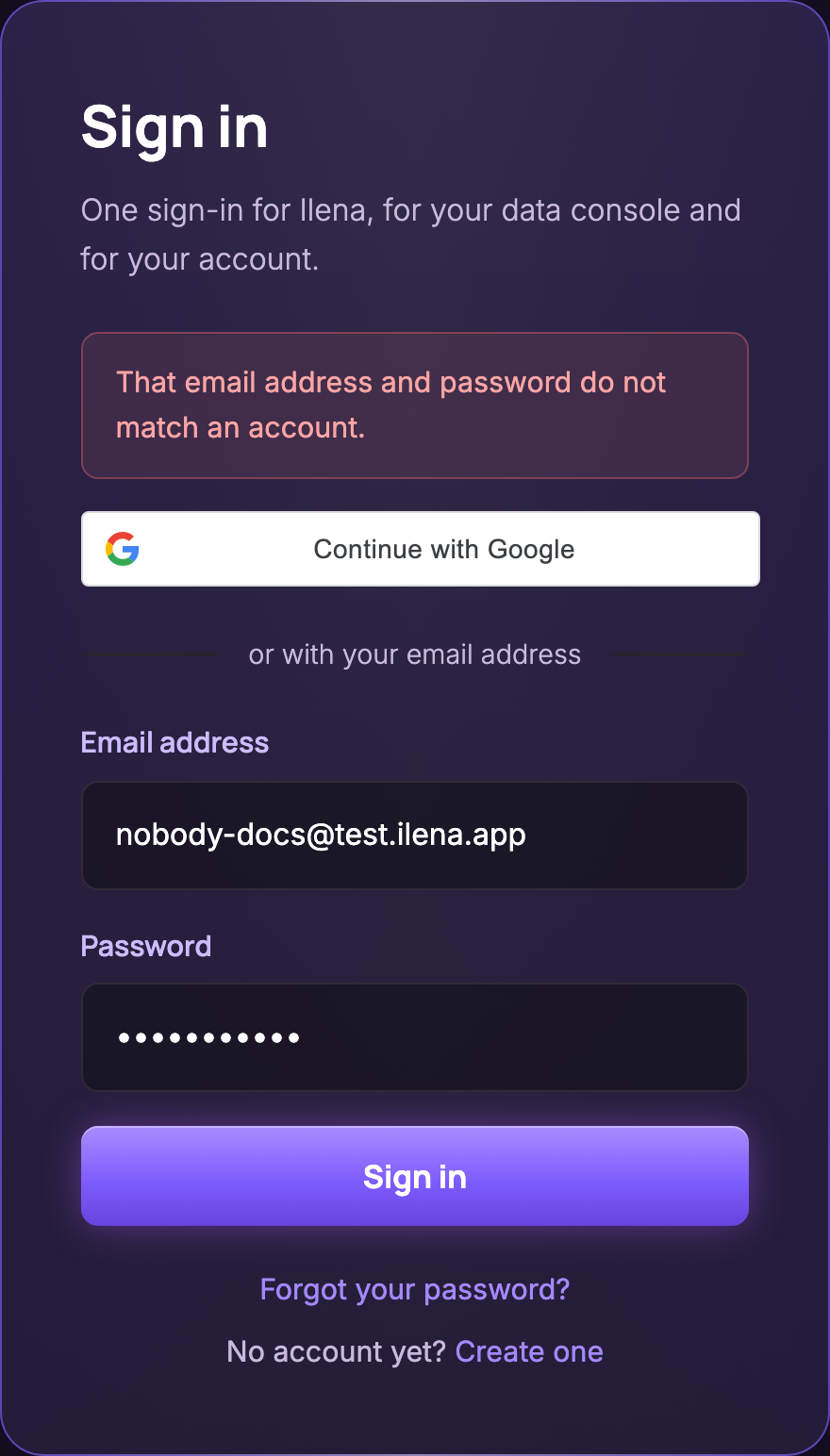
That email address and password do not match an account.That email address and password do not match an account.
Ilena shows this message for a wrong password and for an address that has no account. Check the address, then type the password again. If you have changed or reset your password, only the new one works. If you no longer know it, select Forgot your password?: see Sign in, sign out and reset your password.
Account is temporarily locked. Try again in … seconds.Account is temporarily locked. Try again in … seconds.
After five wrong passwords in a row for the same address, Ilena refuses the next attempt with this message, for up to 15 minutes. A password typed correctly before the fifth wrong attempt is not affected. Wait the time shown before trying again. Requesting a new password with Forgot your password? does not shorten the wait, since the lock is on the address, not the password: see Sign in, sign out and reset your password.
This email address is not verified yet.This email address is not verified yet.
Your sign-up is not finished. As the message says, open the link in the email Ilena sent you when you created your account, then sign in again.
Your account page asks you to sign in againYour account page asks you to sign in again
The session on this device has ended, for example because it was signed out from another device, or because your password was changed or reset. Sign in again. See Manage your account: password, sessions and subscription.
Your account page sends you elsewhereYour account page sends you elsewhere
If your account has been deleted, opening your account page sends you to Your data to export it, before any account section is shown. If your account has been suspended, it sends you to This account does not open Ilena instead. Neither screen is a sign-in failure. If you believe this is wrong, write to support: see Still stuck? below.
Resetting a passwordResetting a password
No reset email arrivesNo reset email arrives
The page shows the same confirmation for every address, but the email is sent only if the address belongs to an Ilena account. Check that you entered the address you sign in with, look in your spam folder, then ask again.
This link has expired or has already been used. Ask for a new one.This link has expired or has already been used. Ask for a new one.
The link from the email works only once. The page that sends it says it is valid for one hour, and the email says valid for 60 minutes. Select Ask for a new link and use the link in the new email.
This link is incomplete. Ask for a new one.This link is incomplete. Ask for a new one.
The page was opened from an incomplete link. Select Ask for a new link, or open the link from the email again.
That password does not meet the rule below.That password does not meet the rule below.
The new password needs 8 to 32 characters, with an uppercase letter, a lowercase letter, a digit and a special character.
The two passwords are not the same.The two passwords are not the same.
Type the same new password in both fields.
You have used that password recently. Choose one you have not used here before.You have used that password recently. Choose one you have not used here before.
Choose a password you have never used on your Ilena account.
On your account page: That is not your current password.On your account page: That is not your current password.
It appears under the first field: the current password you typed is wrong. When it is the new password that is refused, your account page says so under the new-password field, with one of the two messages above: That password does not meet the rule below. if it breaks the rule, or You have used that password recently. Choose one you have not used here before. if you have used it recently. Choose another one.
In the editorIn the editor
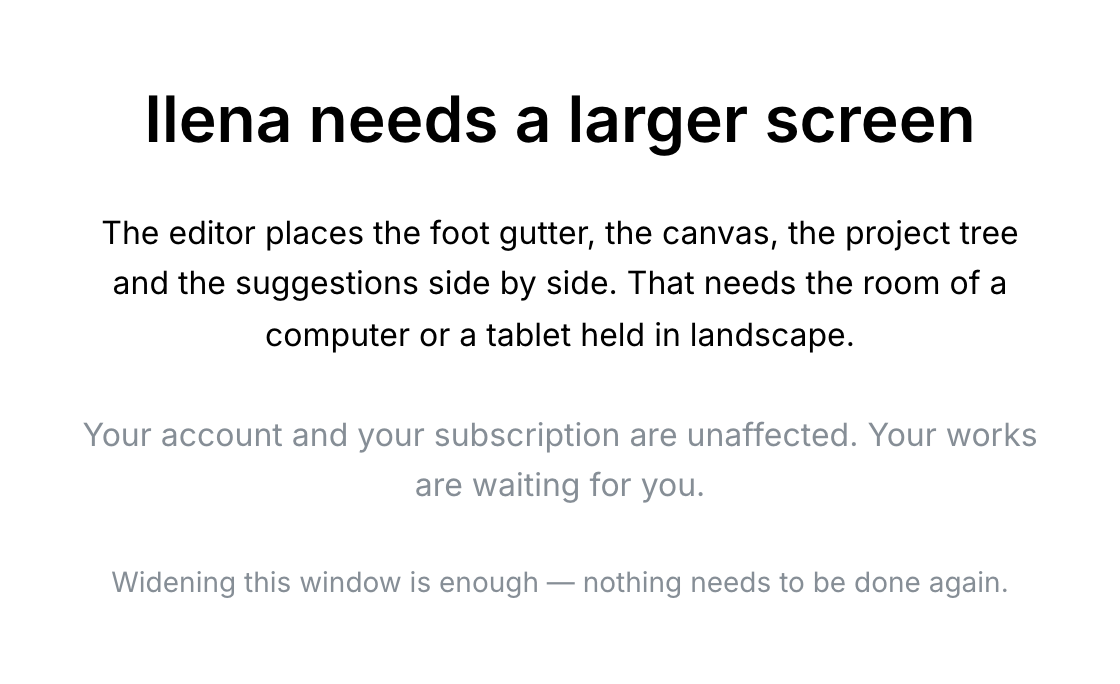
Ilena needs a larger screenIlena needs a larger screen
The editor needs a window at least 1024 pixels wide and 700 pixels high. Below that, it shows this message instead. Your account and your subscription are not affected. Widen or enlarge the window: the editor comes back without reloading the page. Your account page also works on a phone-sized screen.
Save failed.Save failed.
The save did not reach Ilena, for example because your connection dropped. Your text stays in the editor and the browser tab title keeps its *. Once your connection is back, save again: Work saved successfully. confirms it and the * disappears.
Still stuck?Still stuck?
In the editor, open Help and select How to get support. For bugs, sign-in or usage problems, write to [email protected]. The window gives a typical response time of 1–2 business days.