The two guided toursThe two guided tours
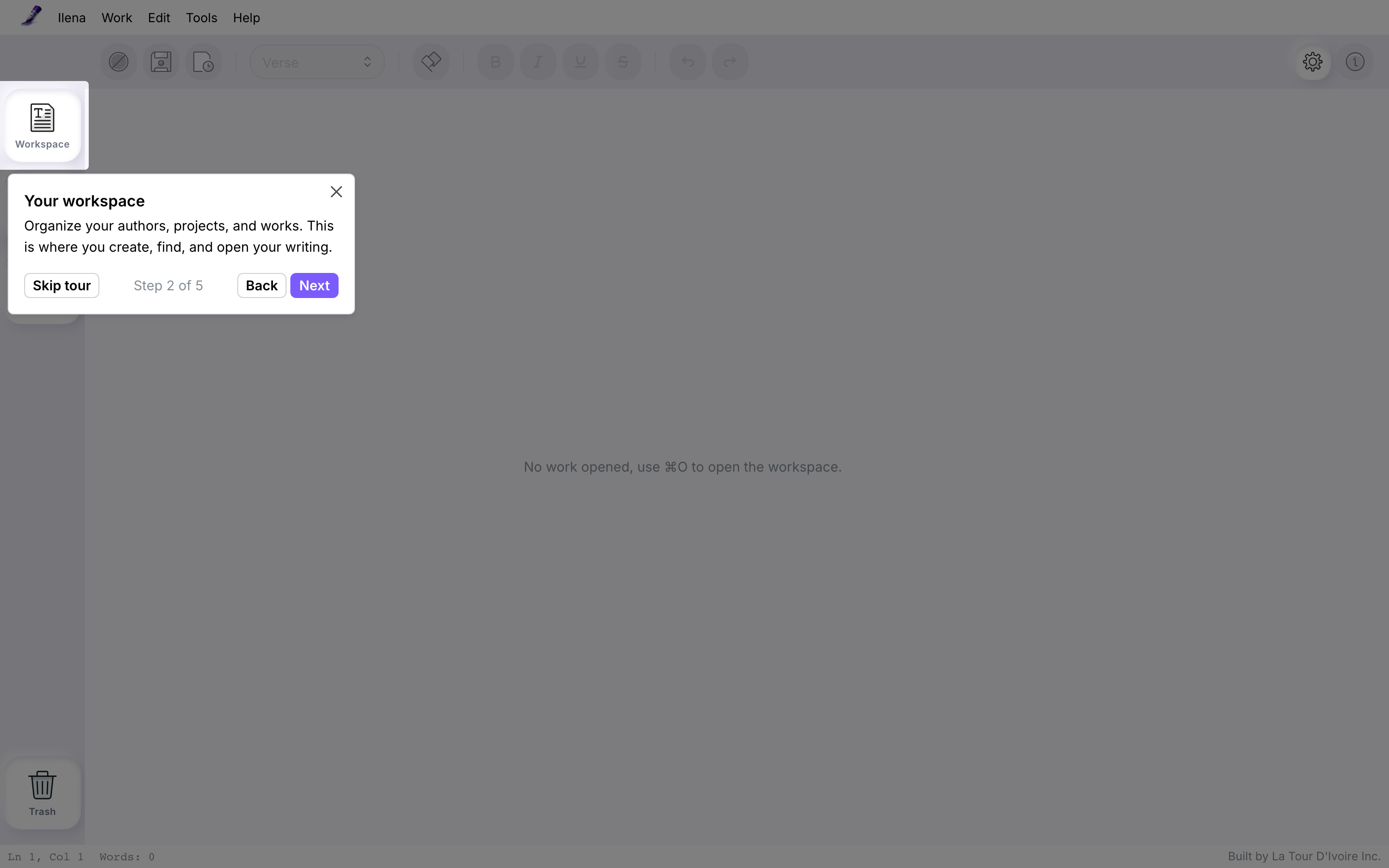
A guided tour highlights a part of the editor and explains it in a short box, one step at a time. Use Next and Previous to move between steps, and Skip tour or the close button to leave it.
Tour 1: your workspaceTour 1: your workspace
It starts the first time you sign in to the editor, with five steps: a welcome, then the Workspace, the Dictionary and the Ideas basket buttons in the left column, and a last step inviting you to open your workspace and create or continue a work.
Tour 2: your first workTour 2: your first work
It starts the first time you open a work, with six steps: a welcome, the line type, the syllable count in the left margin, the emotions in the right margin, the Help menu where the keyboard shortcuts are, and a last step on suggestions. That last step mentions Ctrl + Space for suggestions when manual inspiration is on.
Each tour is shown onceEach tour is shown once
- Finishing a tour, skipping it and closing it all count as done: it does not start again.
- Ilena remembers this for your account, not for one browser, so a tour you have seen does not start again on another device.
- A tour cannot be resumed or replayed.
- If a consent screen or a draft recovery dialog appears when you open the editor, the tour waits until you have closed it.
The Tip of the dayThe Tip of the day
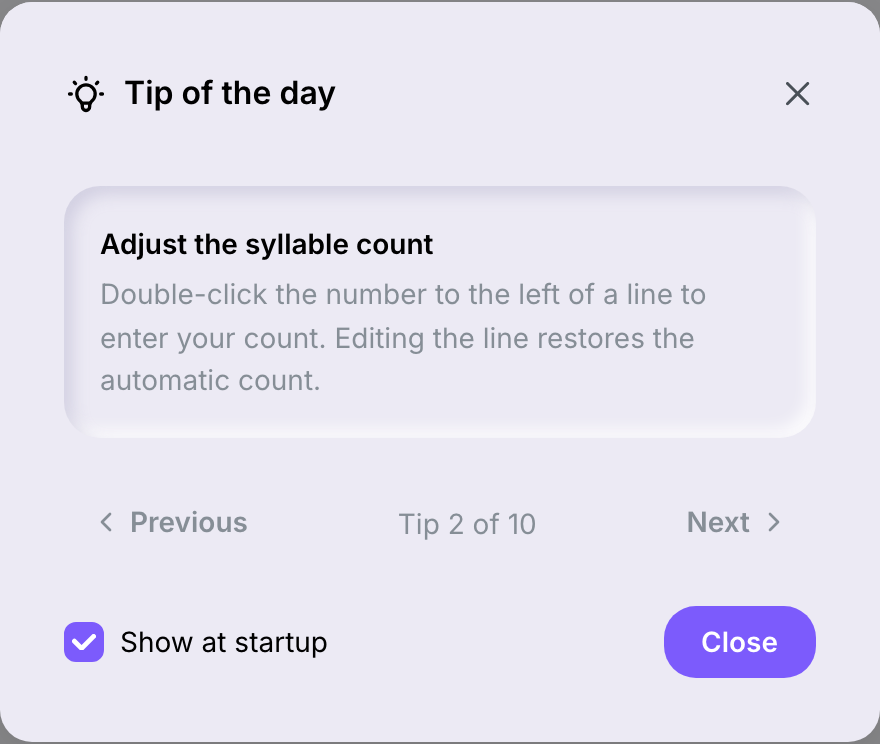
The Tip of the day is a small window showing one of ten tips about the editor.
- It opens by itself the first time you load the editor on a given day, once per day on a device. Tours come first: it does not open on a day when a tour is due.
- The tip depends on the date, so two devices show the same tip on the same day.
- Use Previous and Next to go through the ten tips; the window shows where you are, for example Tip 2 of 10.
Stop the tip from opening by itselfStop the tip from opening by itself
- When the Tip of the day window is open, clear the Show at startup box. It is ticked by default.
- Select Close.
This choice is kept with your account, so it applies on your other devices too.
Open the tip at any timeOpen the tip at any time
Choose Help → Tip of the day. The window opens even when Show at startup is cleared.
The ten tipsThe ten tips
| Tip |
|---|
| Explore a word |
| Adjust the syllable count |
| Revisit earlier versions |
| Export in your preferred format |
| Highlight every occurrence |
| Restore a work from the trash |
| Keep your discoveries |
| Find a work quickly |
| Bring in existing writing |
| Try another version |